How I Use AI to Do GTM at a $200M Startup
This post was supposed to be written by someone else. I'd asked a few of my more cracked friends to write up how they've wired AI into their work, and I'm still waiting on those posts. So I'm going first and writing down how I do it.
One caveat up front: this is what works for me right now. The tools change every few weeks and so will this setup. But right now it lets me finish a workload that used to take ten people with a team of two.
TL;DR
- Connect everything to Claude. Slack, Google Workspace, our data tools, the CRM, via MCPs and CLIs. Do this before anything else.
- Use Claude Code, not just chat. It runs on your own machine, shares context through GitHub, and runs tasks in parallel.
- Use Remote Control. My phone becomes the interface to my computer, so the work keeps moving when I'm away from my desk.
- Claude is the command center. My job is to adapt fast, test tools constantly, own the results, and keep the output human.
- Review deliberately. AI still holds less context than you do and adapts worse, so recheck everything before it ships.
- The downside: ADHD-maxxing, and more work, not less. You're multitasking nonstop, every finished task creates new ones, and your brain has to keep up with everything the AI generates.
The stack
What Claude is connected to, roughly grouped:
- Agents: Claude, plus Avery (our internal AI agents)
- Communication and docs: Slack, Google Workspace (through the GWS CLI), Jira, Confluence
- Data: Snowflake, Metabase, Mixpanel
- Go-to-market: HubSpot, Gong, Google Ads
- Browser: Dia
The problem I'm solving
I work on the GTM side, mostly product marketing. Our whole marketing team is two people, and I'm the only one doing product marketing. On top of that I'm currently running SEO, GEO, ABM, webinars, CRO, A/B testing, email, lead magnets, all of our marketing copy, freight forwarding industry content, and the data monitoring that backs all of it up, plus whatever else comes up. My main problem is that I'm always working on several unrelated things at once: a launch brief, a campaign report, a sales enablement deck, a Slack thread with three stakeholders who each want something different. Each of those used to need me in a different tool with a different context loaded in my head.
The setup below is built for that one problem.
1. Connect everything to Claude
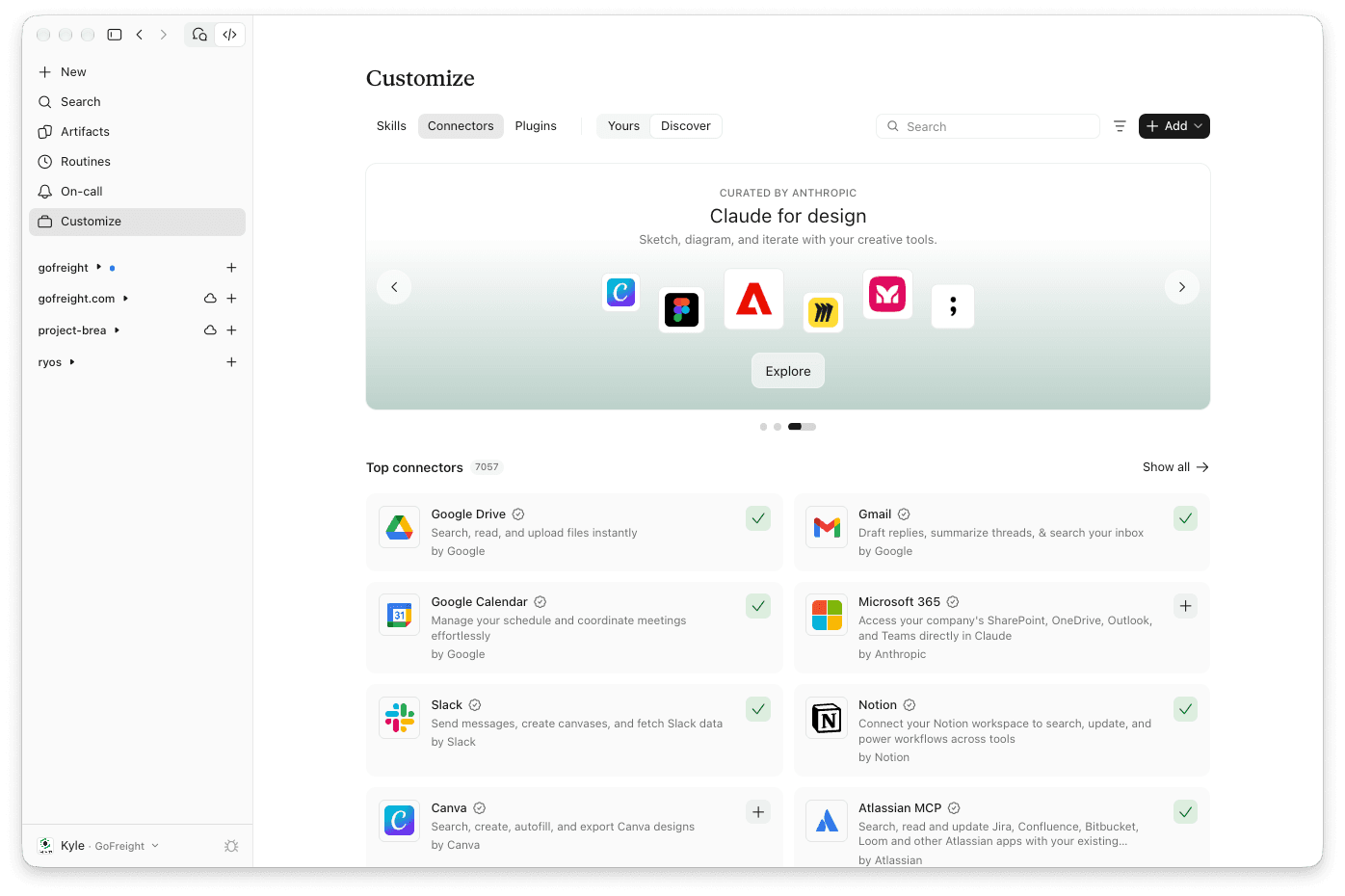
Our company gives Claude to everyone, so the first thing any of us does is connect it to everything: Slack, Google Workspace, MCP servers for the data and GTM tools, whatever else we use.
Do this first because an AI that can't see your work can only give generic advice. Once Claude can read the Slack thread, pull the numbers from Snowflake, check the deal in HubSpot, and open the doc in Drive, it can actually do the task. If you want the difference between MCPs, skills, and workflows, I wrote a separate explainer.
2. Use Claude Code
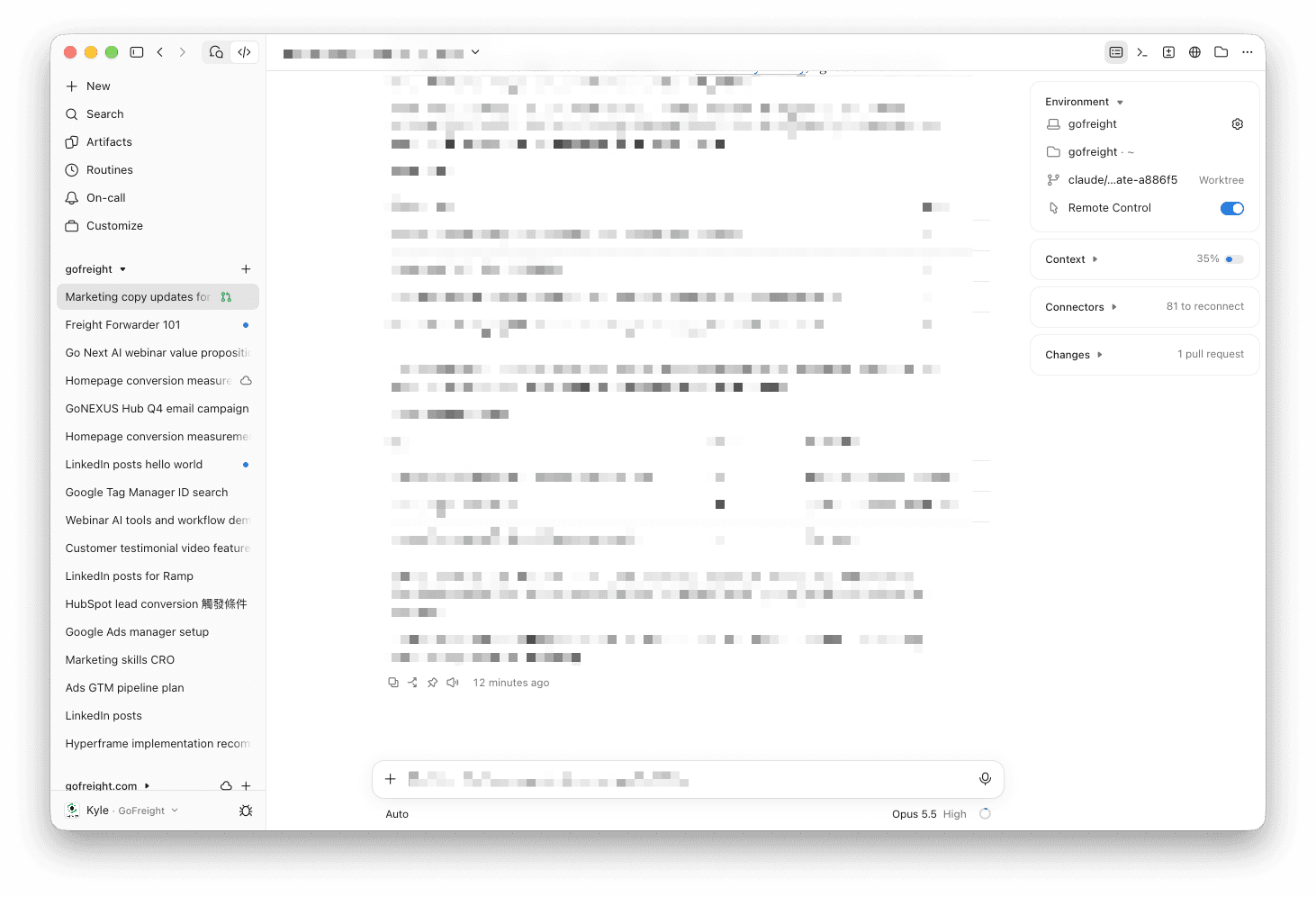
Claude Code is where most of the real work happens for me, and I think it beats regular Claude chat or Cowork for three reasons:
- It runs on your own computer. It can work with your files, run your CLIs, and use your local tools, so it can do a lot more than a chat window can.
- Context is shareable. Connect it to GitHub and your
CLAUDE.mdfiles and project context live in a repo. The whole team can share them, and what one person teaches it, everyone gets. - It runs in parallel. This one matters most for me. I can have several sessions going at once, one drafting a brief, one pulling campaign data, one cleaning up a doc, and actually work on multiple things at the same time instead of switching between them.
3. Use Remote Control
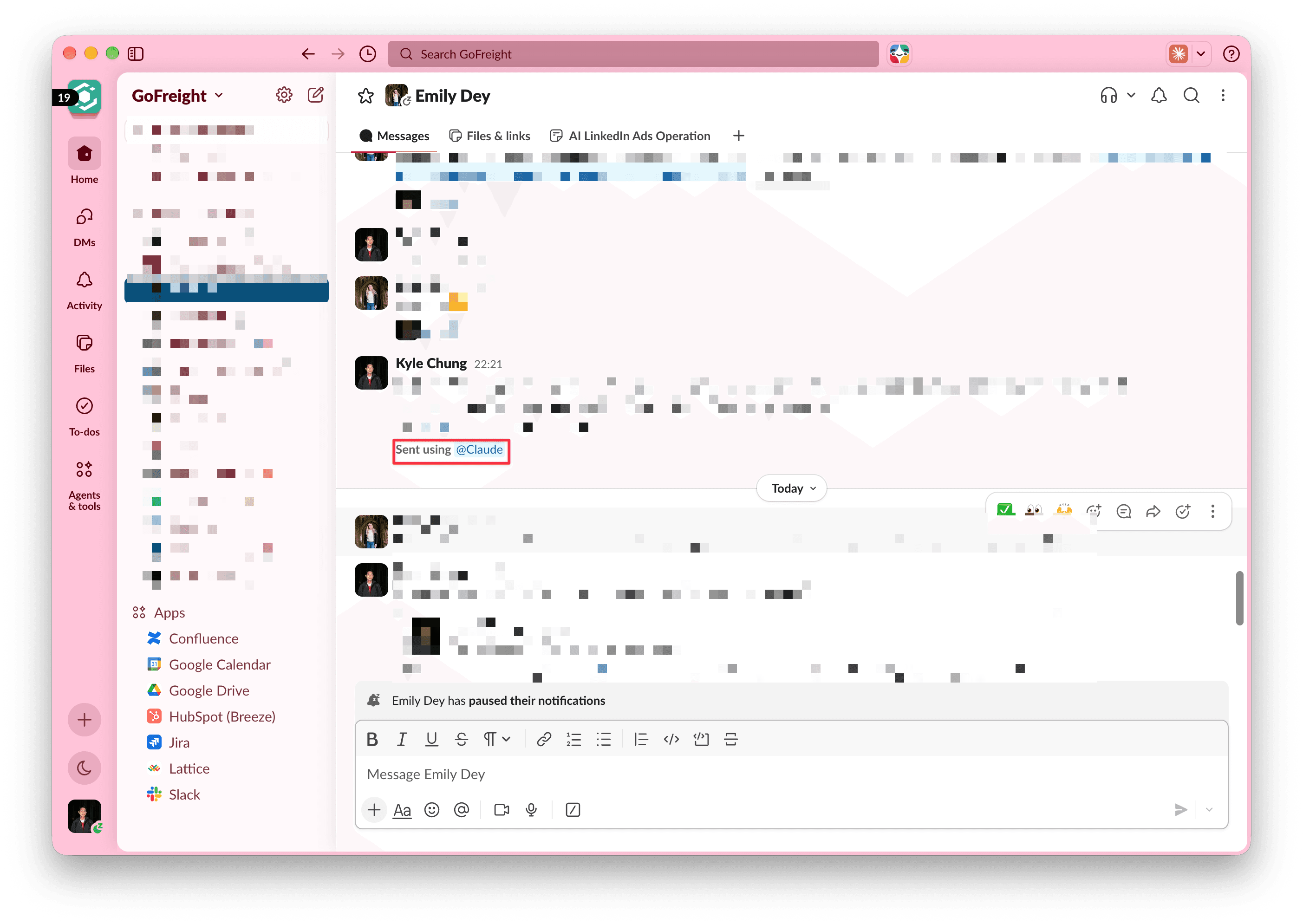
Remote Control just lets your phone become the interface to your computer. As long as my computer is on and connected, I can do from my phone almost everything I'd do at my desk: send Slack messages, look through files in Google Drive, have Claude send emails, follow up with stakeholders across the org.
Some of my colleagues use Tailscale to reach their machines remotely instead. That works too, but I'm tired of setting those things up, and Remote Control needs no setup.
4. Claude is the command center
Put together, Claude is my command center. It connects to everything I need and does the work I ask it to do.
The obvious question is: then why would they hire me? I asked my company the same thing. Here's how I think about it. The people at Anthropic, the ones building these tools, work pretty much the way I'm describing. The job didn't disappear. It moved. What's left for the human:
- Adapt fast. The tools change every few weeks. You have to pick up new things quickly.
- Learn what matters, quickly. Not everything new deserves your attention. Telling which things do is part of the job.
- A/B test your tools constantly. Don't get attached to a setup. Keep trying alternatives and keep what's better.
- Take ownership. Claude did the work, but you shipped it. You're responsible for everything that goes out under your name.
- Review deliberately. More on this below.
- Care about the real human beings. People still hate fluffy writing, and AI produces it a lot. Read everything before it goes out, and cut the fluff.
That last point is the one I'd underline. The faster the machine writes, the easier it is to send something hollow to a real person. I wrote more about this in stop treating AI as a tool.
5. Review deliberately
Reviewing isn't a quick skim at the end. It's a step you plan for.
The reason is simple: AI's context window is still smaller than what's in your head, and it isn't as adaptive as a person. It doesn't know about the conversation you had in the hallway, the stakeholder who changed their mind yesterday, or the reason last quarter's campaign was framed the way it was. It will confidently fill those gaps with something plausible. So recheck everything before you ship it out.
The downside: ADHD-maxxing
The flip side of running everything in parallel is that it ADHD-maxxes you. You have to multitask all the time: five sessions running, each one moving a different thing forward, and you jumping between them to steer. Your brain is basically moving 24/7, and it rarely gets to finish one thought before the next session needs you. I wrote about what constant context switching costs in notes on almost burning out.
And the workload goes up
Using AI is a huge relief, and the efficiency jump is real. But I think my workload is actually higher than before.
Every time I finish something, there are more action items waiting. Shipping faster just means the next thing shows up sooner. And my brain has to keep up with everything the AI generates: read it, judge it, and make sure it lines up with what I actually had in mind. The typing got outsourced. Paying attention didn't.
This is a snapshot
That's the whole setup. Nothing in it is exotic. Most of the gain came from connecting everything and then letting things run in parallel.
Ask me again in six months and I expect half of it will be different. I'll update this post when it is, and if those cracked friends ever send me their writeups, I'll link them here.